A customer's card declines on Friday afternoon. Someone needs to text them, someone needs to tell accounts, and someone needs to check on Monday whether it's been sorted. In a busy week, at least one of those steps gets missed, and the invoice that should have been paid becomes the one you're chasing a month later.
Most of the admin in a rental or subscription business looks like this. It isn't hard work. It's work that has to happen on time, every time, and depends on someone remembering to do it.
Automations take that remembering off your team. You set the rule once, and Loopit follows it from then on.
One simple shape
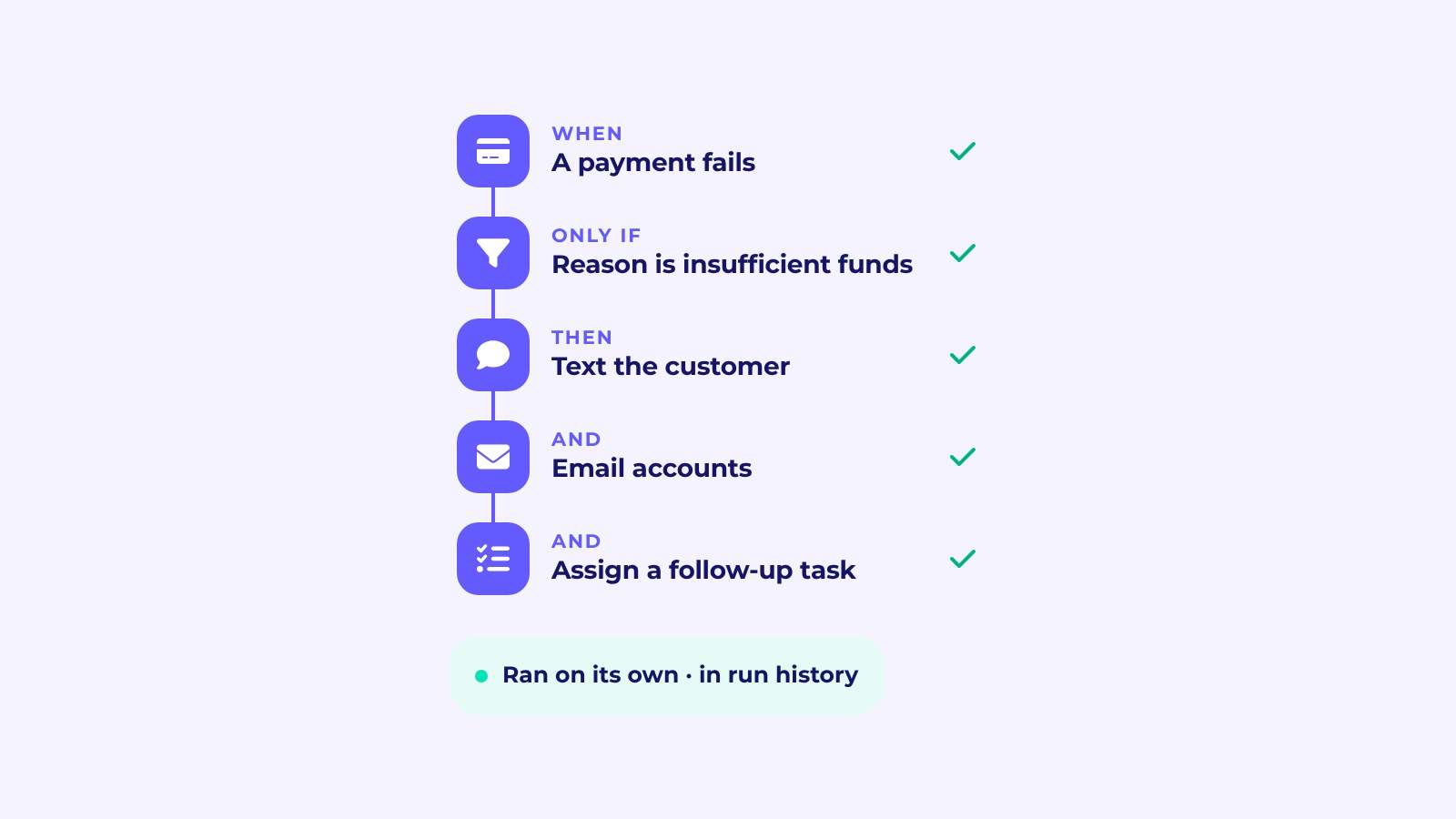
Every automation reads the same way: when something happens, only if certain conditions are true, then do this. There's no flowchart or canvas to learn. Each area of Loopit offers a short list of events and conditions, so building one feels like filling in a sentence.
- When a payment fails, only if the reason is insufficient funds, then text the customer and email accounts.
- When a booking goes active, only if it's for a certain package or location, then send the customer pickup instructions.
- When a service reminder is created, only if it's for a certain category, then assign a task to the workshop team.
Conditions let you be specific. Filter by state, category, package, location or failure reason, or route work to the staff member who manages that booking, so it goes to the right person without anyone forwarding it.
Follow-ups operators set up first
A few automations come up again and again:
- Chasing payments. Text the customer when a payment fails and let accounts know, or email accounts when an invoice becomes overdue.
- Reminding customers. Email a customer before an upcoming invoice is due.
- Verifying customers. Send a TruPass request whenever a long-term booking comes in, before it's confirmed.
- Getting ready for handover. Notify staff when a contract is signed and the booking is ready to go.
- Keeping the fleet on the road. Notify the fleet manager when a registration is coming up for renewal, or assign a task when a service is due.
- Closing out deposits. Let ops know when a deposit release is coming up, so nothing sits unresolved.
Each of these replaces a job someone used to do from memory or a spreadsheet.
Describe it, and Loopit sets it up
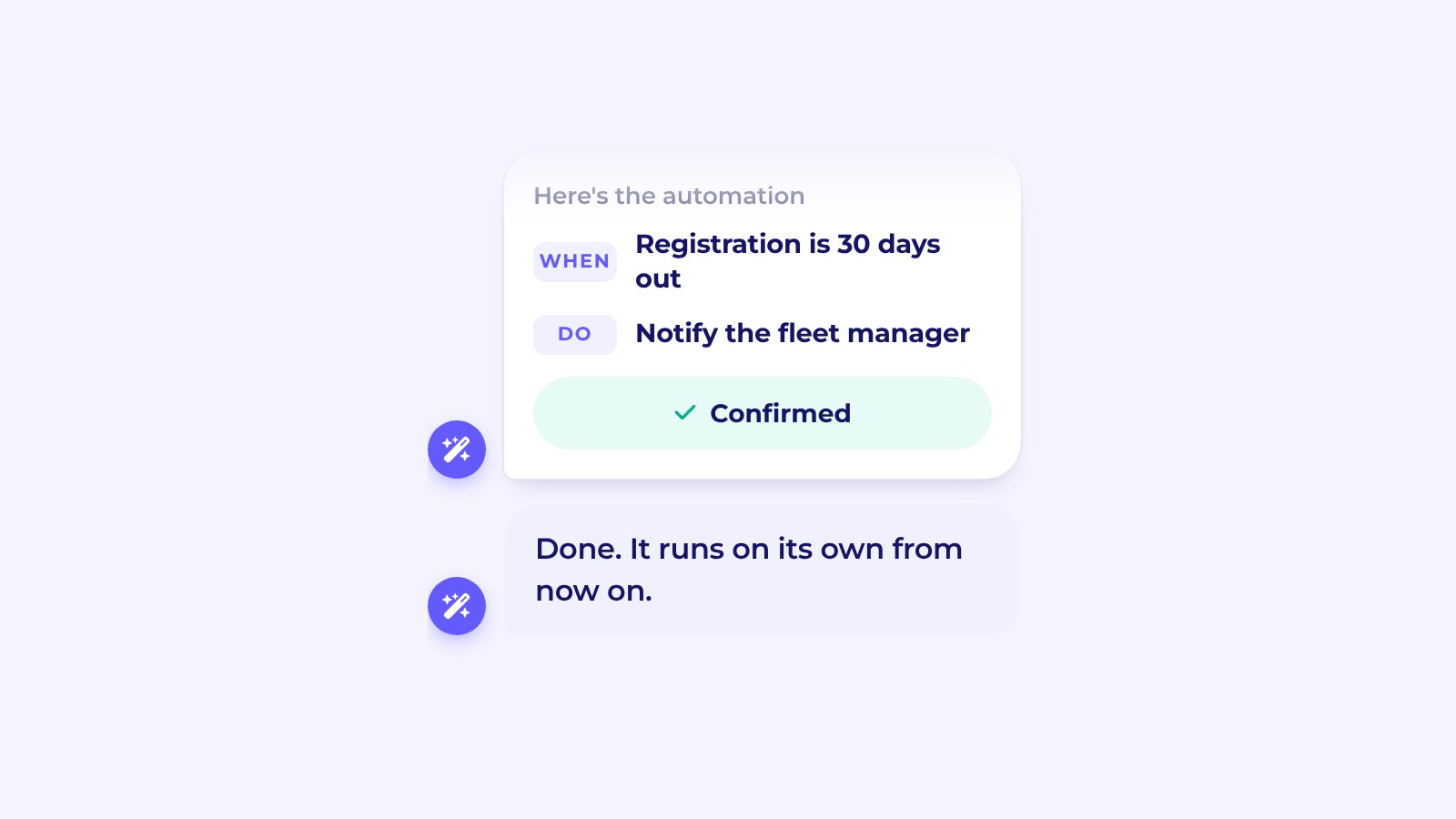
You can build an automation yourself, or describe what you want to AI Chat. Type "Remind the fleet manager 30 days before a registration is due" and Loopit lays out the trigger, conditions and action. Nothing is created until you confirm it. If you're not sure whether something already happens, ask, and AI Chat shows you the automation behind it.
See what ran, and why
Automations you can't see are hard to trust. Every workspace has a dashboard showing your active automations, how many times they've run, how often they succeed, and the time they're saving you. You can preview what an automation will do before you switch it on, check the run history to see exactly what happened and when, and use the version history to see who changed what.
Automations inform and assign: they send emails and texts, notify people and teams, assign tasks and send TruPass requests. They don't change your records. The decisions stay with your team; the reminders and messages just arrive on time.
Start with the follow-up you forget most
The best first automation is usually the job that slips most often. Ask your team which reminder they'd most like to stop sending by hand, or which customer message goes out late when things get busy. Chasing failed payments and sending pickup instructions are common answers, because both happen often and both cost you when they're late.
Set that one up, watch it run for a week in the run history, and adjust the conditions if it's catching too much or too little. Then add the next. A handful of well-chosen automations can cover most of the routine follow-up, and the dashboard shows you which ones are doing the most work.
If you already use Loopit's invoice reminder workflows, they're part of the same idea: rules that run on their own so nobody has to remember.
Why it matters
For a rental business moving into subscriptions, the admin grows with every recurring customer. Hiring to keep up is one answer. Making sure the routine work runs itself is a better one. Automations mean pickup texts, payment chasers and service tasks go out on time without anyone remembering to send them, so your team spends its time on customers rather than reminders.
Get started
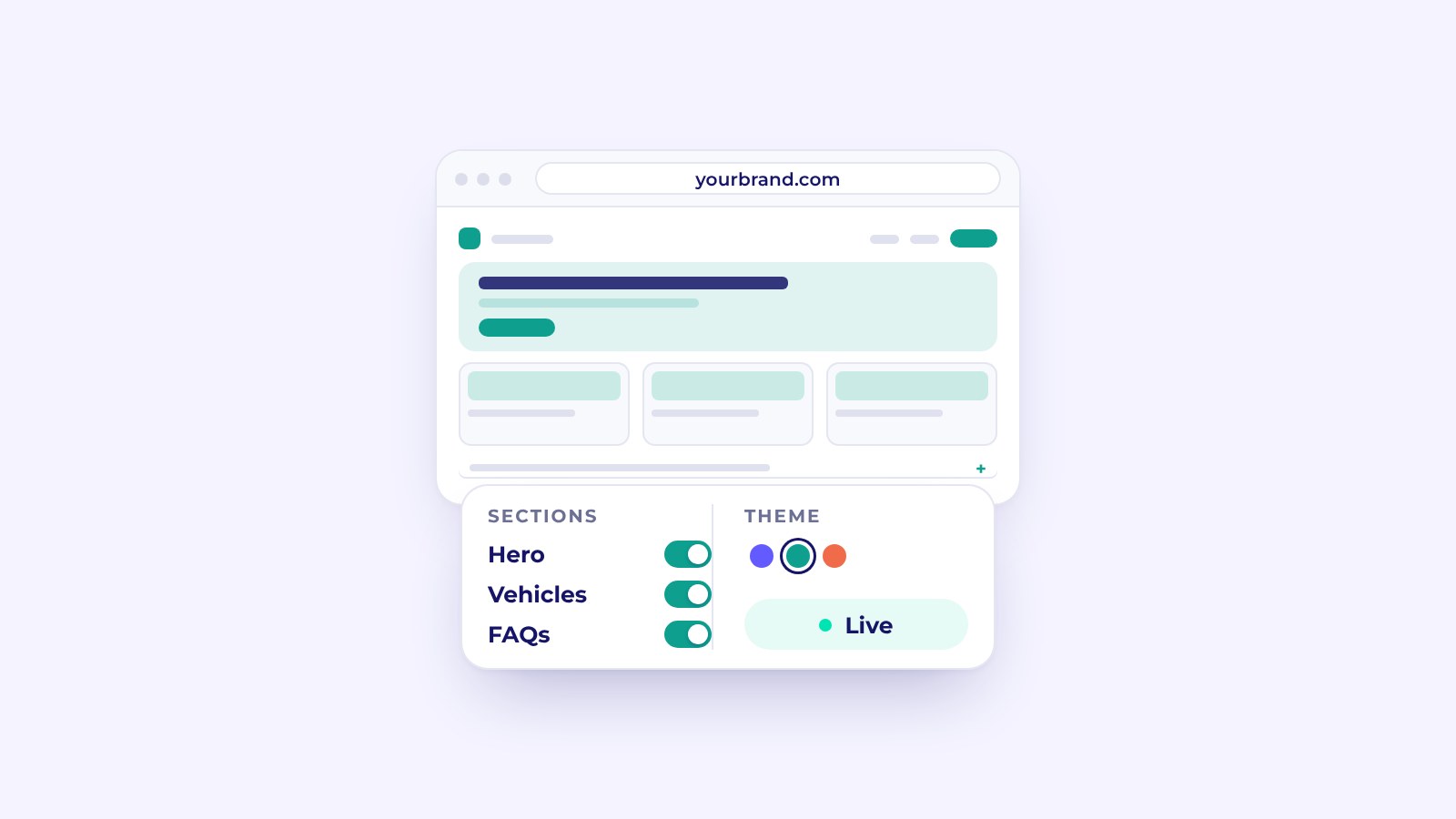
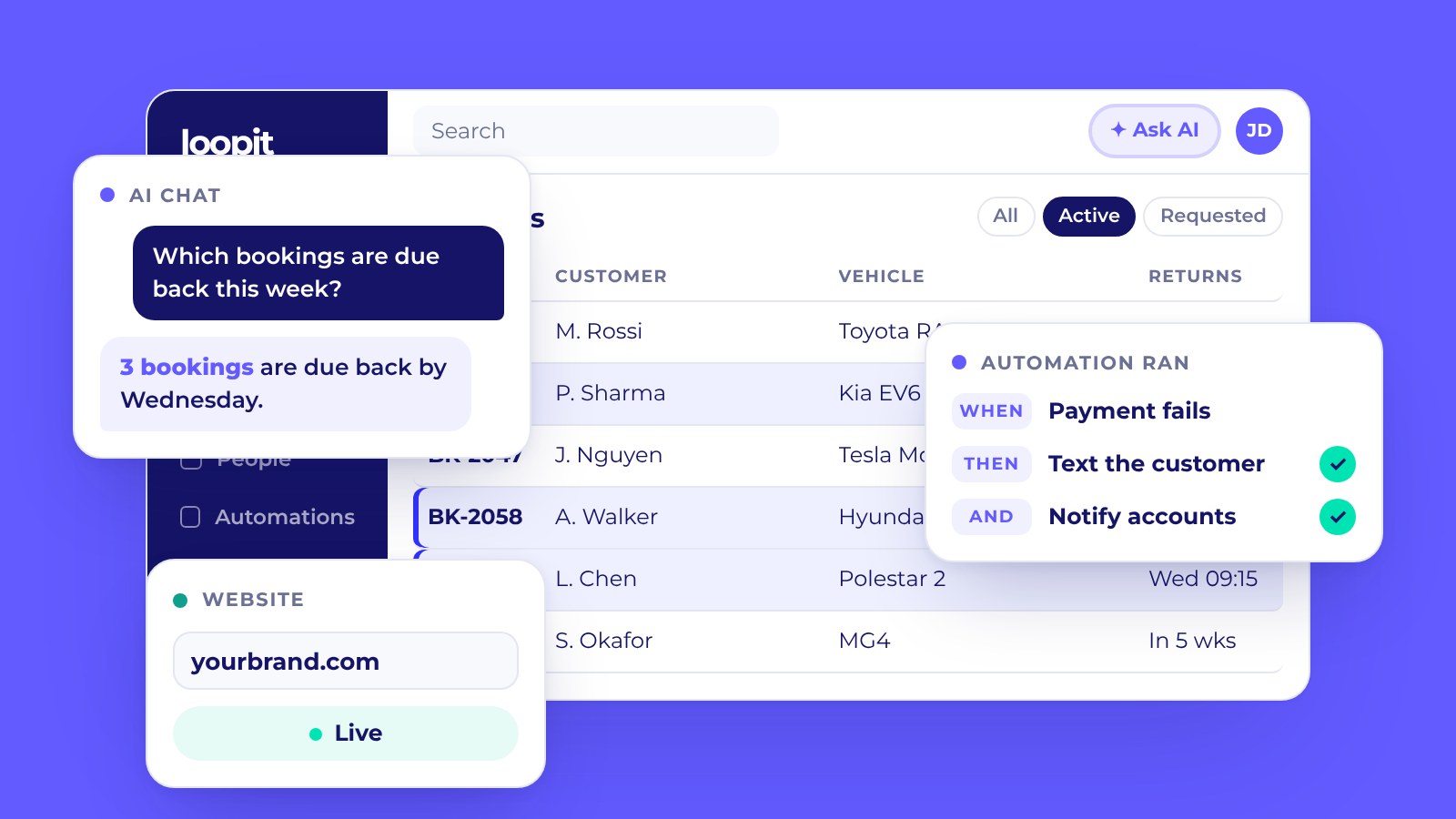
Automations are part of a wider update to Loopit, alongside AI Chat and a new branded website. Read the full announcement or see the Automations page. Want help setting up your first one? Get started or contact sales.